
You can write the smartest post on LinkedIn, but if it's a wall of text? People will scroll past it faster than a cold pitch in their DMs.
Formatting isn’t a nice-to-have - it’s what separates the "Oh nice" from the "holy sh*t, I need to comment on this."
Here’s the good news: you don’t need to be a design nerd to get it right. You just need to know what works - and if you use something like LiGo’s LinkedIn Text Formatter, you don’t even need to do it manually.
Let’s break it down.
Why Formatting Matters More Than You Think
LinkedIn’s algorithm favours posts people engage with quickly. But no one engages with a dense block of text that looks like it belongs in a legal contract. Formatting boosts dwell time, skimmability, and even your credibility.
Great formatting helps you:
-
Get more comments and reactions
-
Make your insights actually readable on mobile (where most people read LinkedIn)
-
Highlight what matters without sounding shouty
-
Build a visual style people recognize over time
Still not convinced? Posts that are well formatted get 3x more attention.
Here’s What a Great LinkedIn Post Looks Like
1. The Hook That Gets the Click
If you don’t nail the first 2 lines, the rest might as well be invisible.
What works:
-
Bold statements: “Remote work is overrated.”
-
Pain points: “Most agency owners make this mistake. I did too.”
-
Open loops: “I just turned down a $180K/year role. Here’s why…”
LinkedIn themselves explain this well
2. The Structure That Keeps People Reading
Big paragraphs kill good content. Period.
✅ Do this:
-
1-2 sentence paragraphs
-
White space between lines
-
Bold or italicize for emphasis
-
Use emojis tastefully (not like a glitter bomb exploded)
📱 Over 50% of LinkedIn users are on mobile. Your post should look good there first.
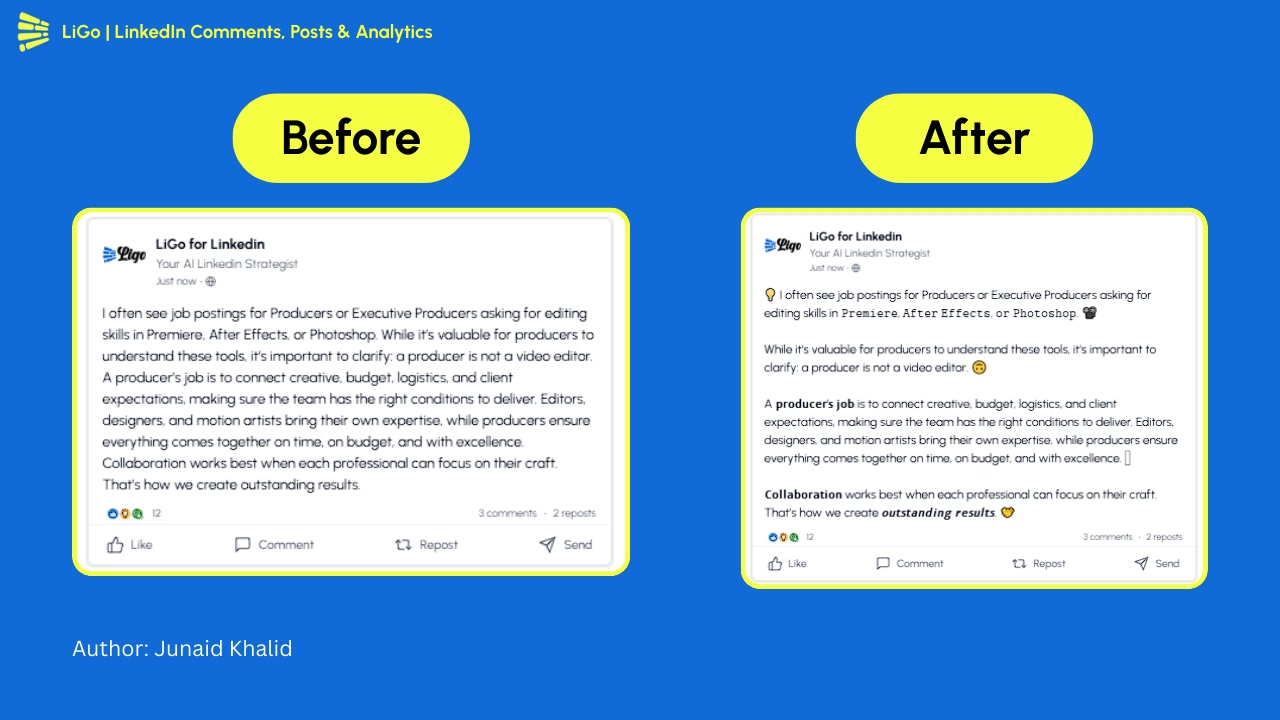
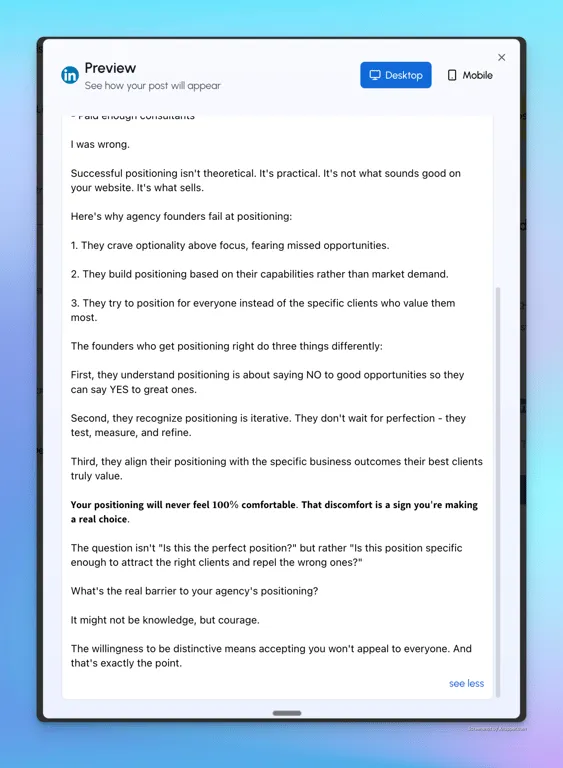
Here's an example from a LiGo-generated post:
3. Use Visual Anchors Like a Pro
Emojis? Yes. Bullet points? Please. But with intention.
Emojis for formatting:
-
🔹 Lists
-
💡 Ideas
-
🎯 Goals
Formatting examples that drive engagement:
Stat pattern:
Most posts get ignored.

But 67% of high-performing ones? They look like this.
Story pattern:
Two years ago, I made a bad hire.

*It nearly killed our business.*
List pattern:
Want more leads from LinkedIn?

Try this:
- Optimize your About section
- Post 3x/week
- Comment daily on 5 posts
See 7 high-performing LinkedIn post formats
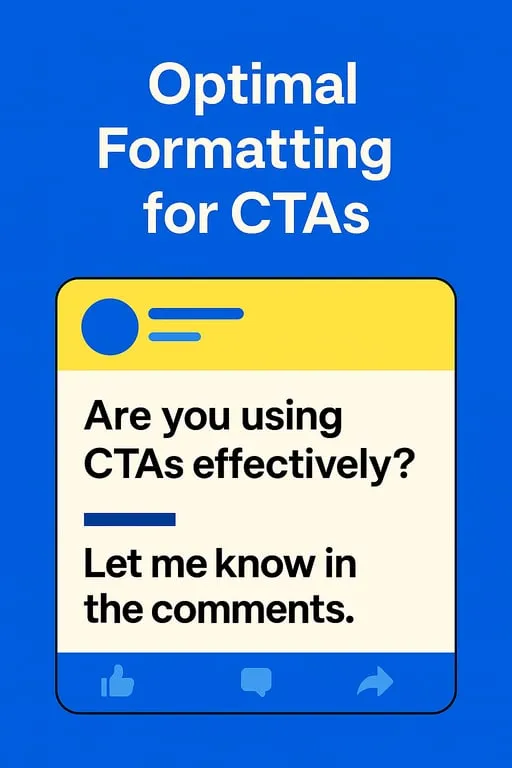
4. End With a Real Call-to-Action
Not “Thoughts?” Not “What do you think?”
Try:
-
“What’s one formatting trick you swear by?”
-
“Tag someone who writes LinkedIn walls of text 👀”
-
“If you want me to break down more, comment 'format'.”
Mistakes That Tank Your Post (Even If the Content’s Good)
-
Dense paragraphs with no breaks
-
Random bolding everywhere
-
Emojis after every sentence 😬
-
No clear structure
Full list of what to avoid here
Bonus: Use Tools That Save You Time
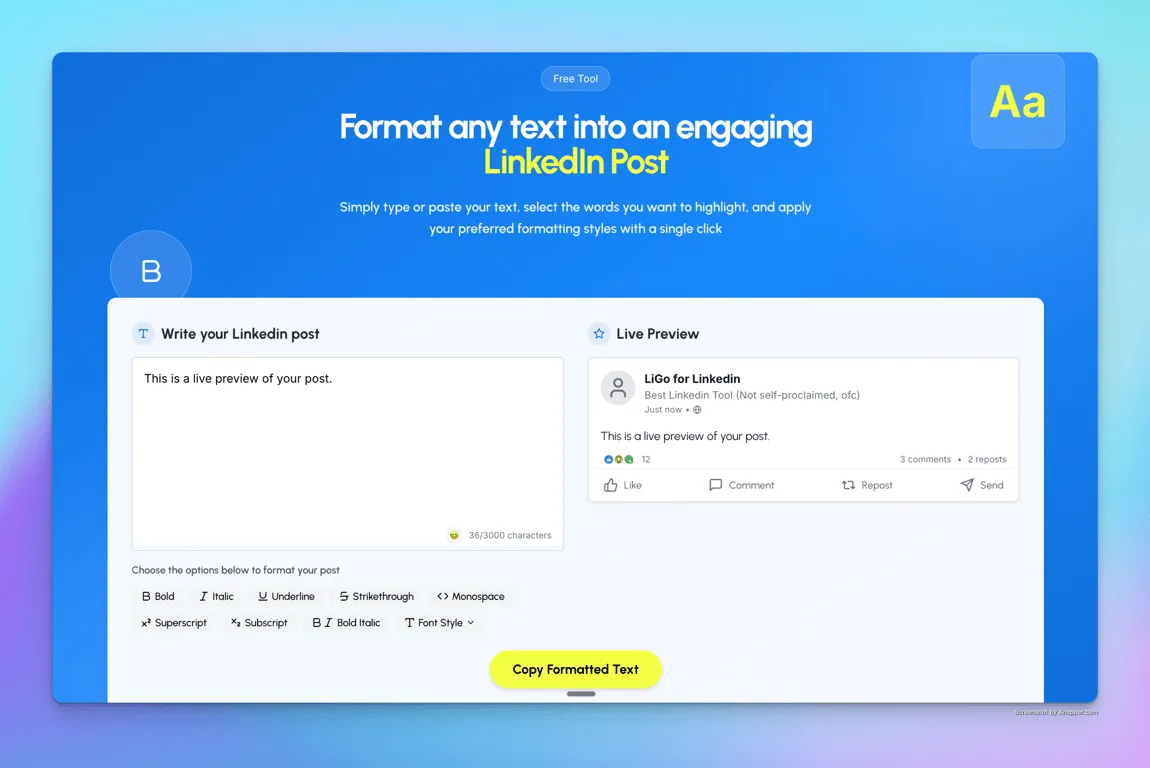
LiGo’s LinkedIn Text Formatter lets you:
-
Make bold/italic text easily
-
Copy-paste cleanly into LinkedIn
-
Preview how your post will look
If you’re already a LiGo user, you can format inside the platform. Even better? When you give it examples of how you write, it learns your style and formats automatically. Zero effort required.
More on how LiGo’s formatting fits into your workflow
Track What Works (And Stop Guessing)
If you’re formatting well but still not getting results, check your:
-
View-to-like ratio
-
Comment quality (are people just saying “great post”?)
-
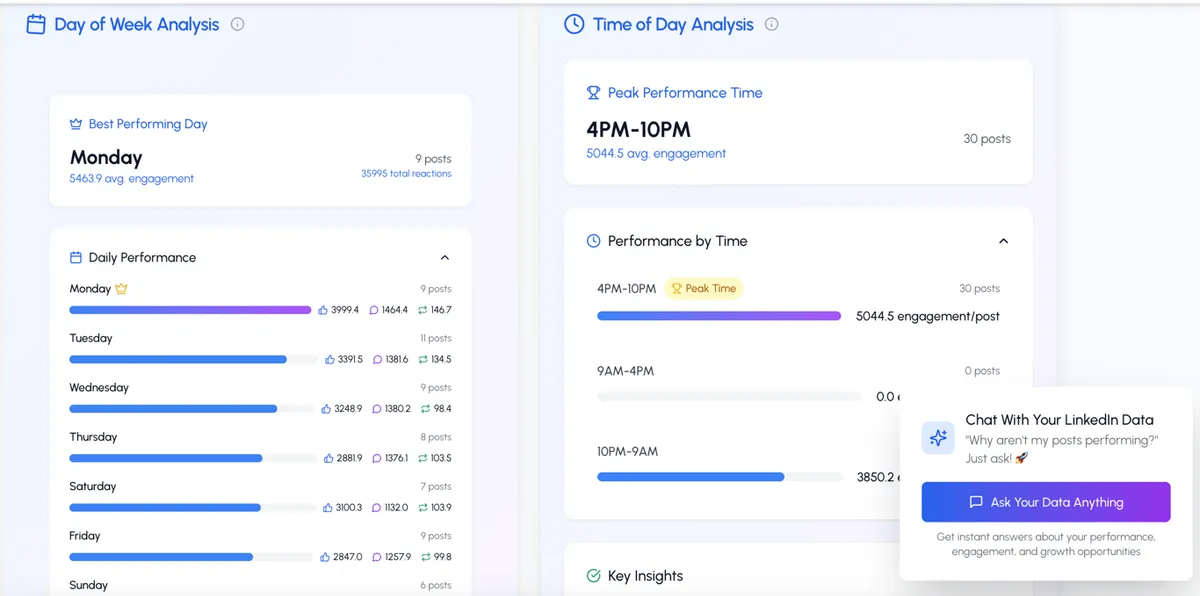
When you’re posting (time of day matters)
LiGo's analytics dashboard breaks this down in seconds. And yes, you can even chat with your data to get content ideas.
Now you know how to format posts that people actually read. What you say matters. But how you present it? That’s what gets it seen.