
AI carousel generator for LinkedIn
LinkedIn carousel generator: paste a post, get a finished carousel.
Pick from 100+ themes, choose text only or AI images, and get a 4:5 PDF with your name on every slide, ready to schedule to LinkedIn. Every carousel on this page was made that way.

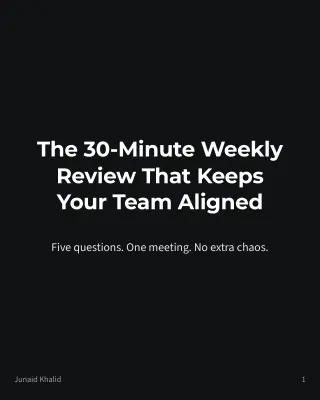
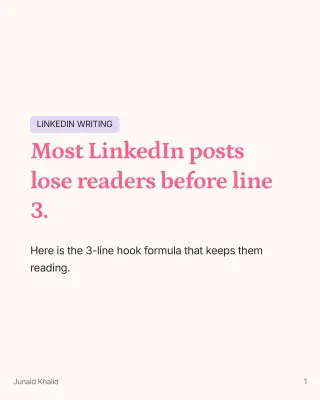

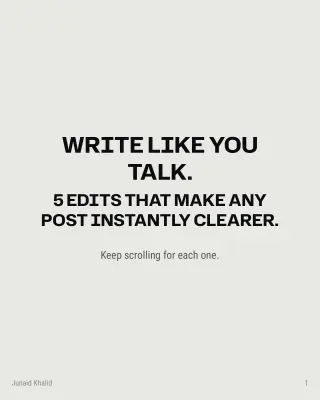






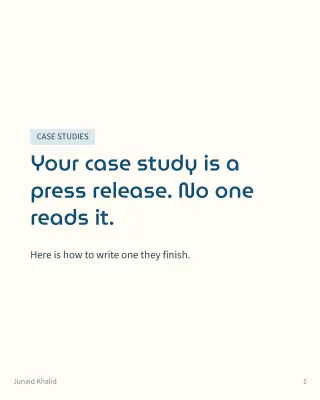


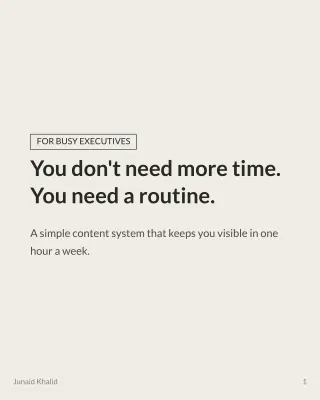

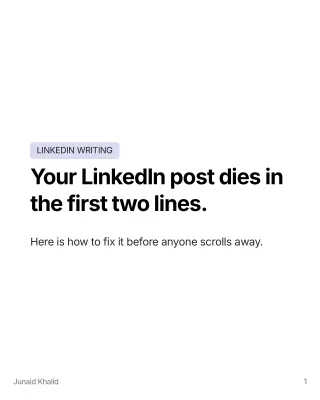

Example gallery
24 real carousels from the AI carousel generator
Each one started as a plain LinkedIn post. Pick any cover, then swipe through all 7 slides.



Showing 24 of 24 carousels. Same generator, same seven-slide brief, different theme and style.
How it works
How to make a LinkedIn carousel with AI in three steps
Start from a post or an idea
Open any post in LigoSocial, or write one from a rough idea. The post is the script for your slides.
Pick a theme and a style
Choose the look, text only or AI images, and how many slides you want. Add instructions if you have a house style.
Review and schedule
Preview the finished carousel, attach it to your post, then publish now or schedule it for later.
Themes and styles
A carousel maker with 100+ themes, text only or AI images
Every option below is in the generator. Try the style switch and the slide count.
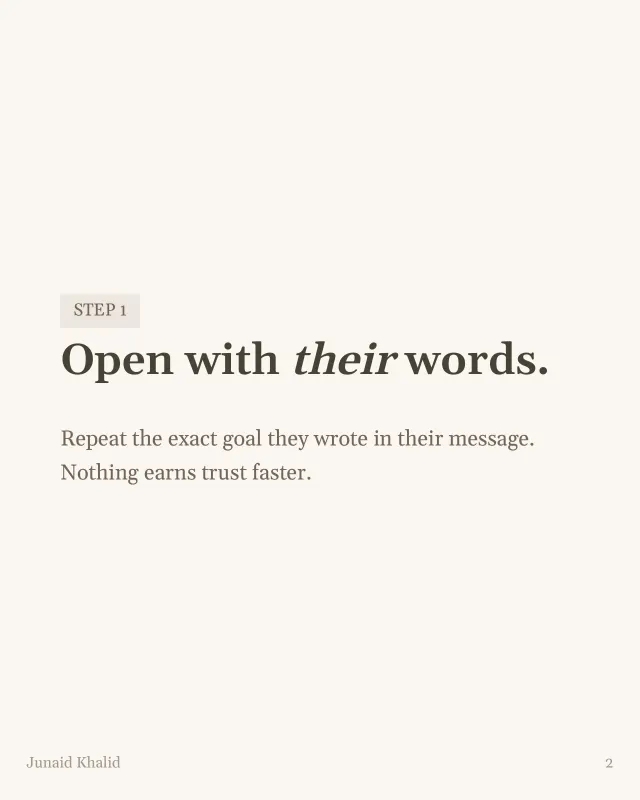
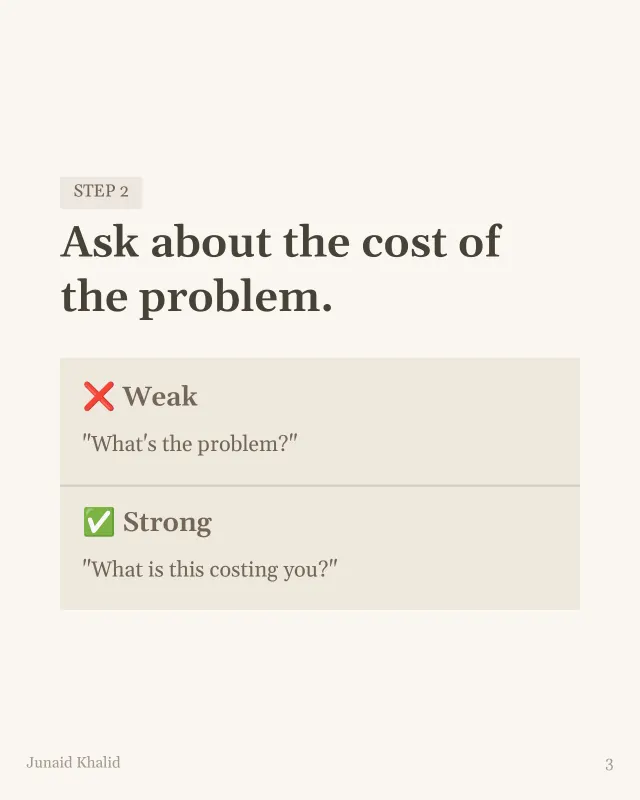

Style
Clean text-only slides, or AI images in the style you pick: photorealistic, illustration, abstract, 3D or line art. Three of them are shown here.
100+ themes
Each theme is a colour palette and a font set, from clean white to deep dark. Leave it on Auto and LigoSocial picks the best fit for your post.
Your name and slide numbers on every slide
The footer carries your name and the slide number, so a shared slide still points back to you.
Text length and your own instructions
Set how much text each slide holds, from brief to extensive. Save your tone, structure and closing slide once and reuse them every time.
Structure
What makes a LinkedIn carousel post work
Three rules, shown on slides 1, 3 and 7 of one example. The generator applies them to your post.
 SLIDE 1
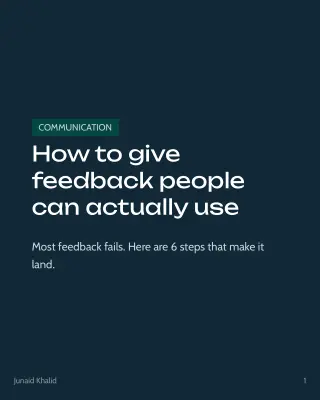
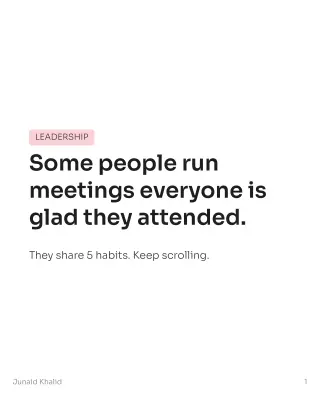
Open with a hook
The first slide makes one promise and gives a reason to swipe. No logo page, no long title.
 MIDDLE SLIDES
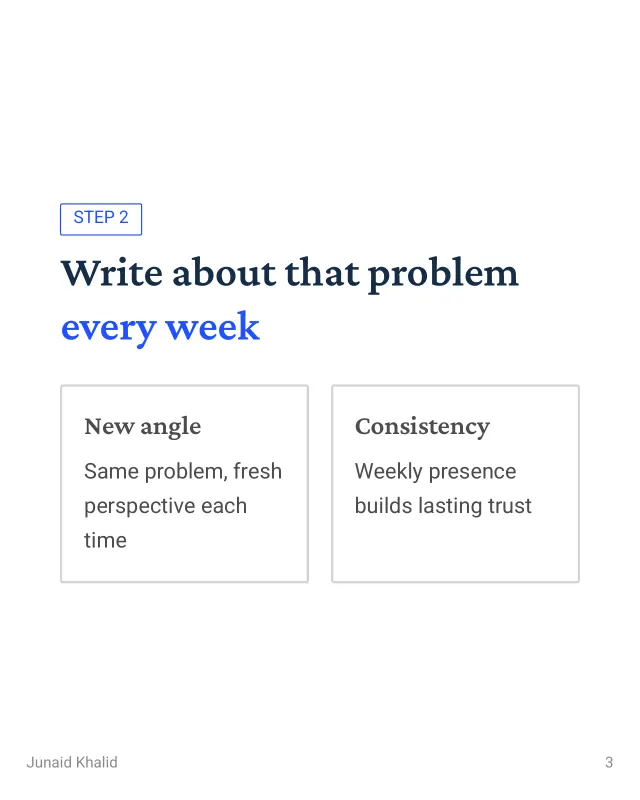
One idea per slide
Each slide carries a single point in a few lines. If it needs setup, it becomes two slides.
 LAST SLIDE
Close with a next step
The last slide tells the reader what to do: try it, save it, or share it with someone.
A LinkedIn carousel is a PDF document post that readers swipe through one slide at a time. The ones that work open with a hook, give each slide one idea and end with a clear next step. Seven slides at 4:5 is a reliable default.
Write, design, schedule
From carousel to scheduled LinkedIn post, in one place
It lands on your post
The finished PDF attaches to the post it was made from. Nothing to download and upload again.
Pick the day and time
Choose Schedule for later on the post and it joins the rest of your content calendar.
See what it did
Carousel posts are labelled in your post list, so you can compare them with your other formats in LinkedIn analytics.
Who it is for
A LinkedIn carousel creator for people with something to teach
Compared with doing it by hand
Minutes here, an afternoon in a design tool
By hand
Five jobs
- Find a template that fits the topic
- Rewrite the post so it splits into slides
- Lay out every slide, one at a time
- Fix fonts, spacing and page numbers
- Export a PDF and upload it to LinkedIn
With LigoSocial
Three choices
- Open the post
- Pick a theme and a style
- Review the carousel and schedule it
FAQ
LinkedIn carousel questions, answered
A LinkedIn carousel is a PDF document post, and LinkedIn accepts documents of up to 300 pages. Short carousels get finished, so most strong ones stay between 5 and 12 slides. LigoSocial makes carousels of 3 to 15 slides, with 7 as the default.
The 4-1-1 rule is a posting mix. Out of every six posts, four teach or share something useful, one passes on someone else's post, and one promotes what you sell. Carousels fit the four, because a how-to or a checklist splits naturally into slides.
A carousel breaks one idea into slides the reader swipes through. Each swipe is a small commitment, so people stay with the post longer than they do with a block of text, and a step-by-step idea becomes easier to follow and save.
Yes. 1080 x 1350 pixels is the 4:5 portrait ratio, which fills more of a phone screen than a square. Every carousel LigoSocial generates is a 4:5 PDF. Check any size in the LinkedIn carousel size tool.
Open a post in LigoSocial or write one from an idea, choose a theme and a style, set the number of slides, and generate. You get a finished PDF carousel to review, attach to the post and schedule.
Yes. The post is the starting point. LigoSocial splits it into a hook slide, one idea per slide and a closing slide, then designs every slide in the theme you picked.
LinkedIn carousels are uploaded as a PDF document. Portrait 4:5 (1080 x 1350) and square (1080 x 1080) are the common sizes. LigoSocial exports a 4:5 PDF, so there is nothing to resize. See every LinkedIn carousel size.
Your name appears in the footer of every slide next to the slide number. A theme sets the colour palette and fonts, so pick the one closest to your brand from more than 100, and save your own instructions for tone, structure and the closing slide so every carousel follows them.




Your next post is already a carousel
Bring the post. Leave with seven slides, designed, named and ready to schedule.
Make your carousel