
The Safe Kleo Alternative
That Won't Get You Banned
Generate LinkedIn comments 90% faster with LigoSocial's Chrome Extension - designed to keep you compliant with LinkedIn's Terms of Service

What Happened to Kleo?
Kleo was removed from the Chrome Web Store because it violated LinkedIn's Terms of Service by fully automating user interactions. LinkedIn considers complete automation of comments and engagement as spam behavior that degrades the user experience.
The platform took action against tools that remove human oversight from social interactions, leading to account suspensions for many Kleo users.
Here's why LigoSocial is different...
LigoSocial provides intelligent suggestions while keeping YOU in control of every interaction
Kleo vs LigoSocial: Why LigoSocial is the Safer Choice
| Feature | Kleo (Banned) | LigoSocial Chrome Extension |
|---|---|---|
| Comment Generation | ❌ Fully automated | ✅ AI-assisted suggestions |
| LinkedIn Compliance | ❌ Violated ToS | ✅ Fully compliant |
| Account Safety | ❌ Risk of suspension | ✅ Zero suspension risk |
| Comment Quality | ⚠️ Generic responses | ✅ Personalized to your expertise |
| Availability | ❌ Banned from Chrome Store | ✅ Active & supported |
| Pricing | N/A | ✅ Free trial + affordable plans |
How LigoSocial Keeps You Safe While Saving Time
Unlike risky automation tools, LigoSocial keeps you in complete control of every interaction
🎯 Browse LinkedIn normally
LigoSocial's Chrome Extension adds a subtle sidebar to your LinkedIn feed. No disruptive pop-ups or interface changes - just a helpful assistant when you need it.
You stay in control: LigoSocial only appears when you want to engage, never interferes with your normal browsing.
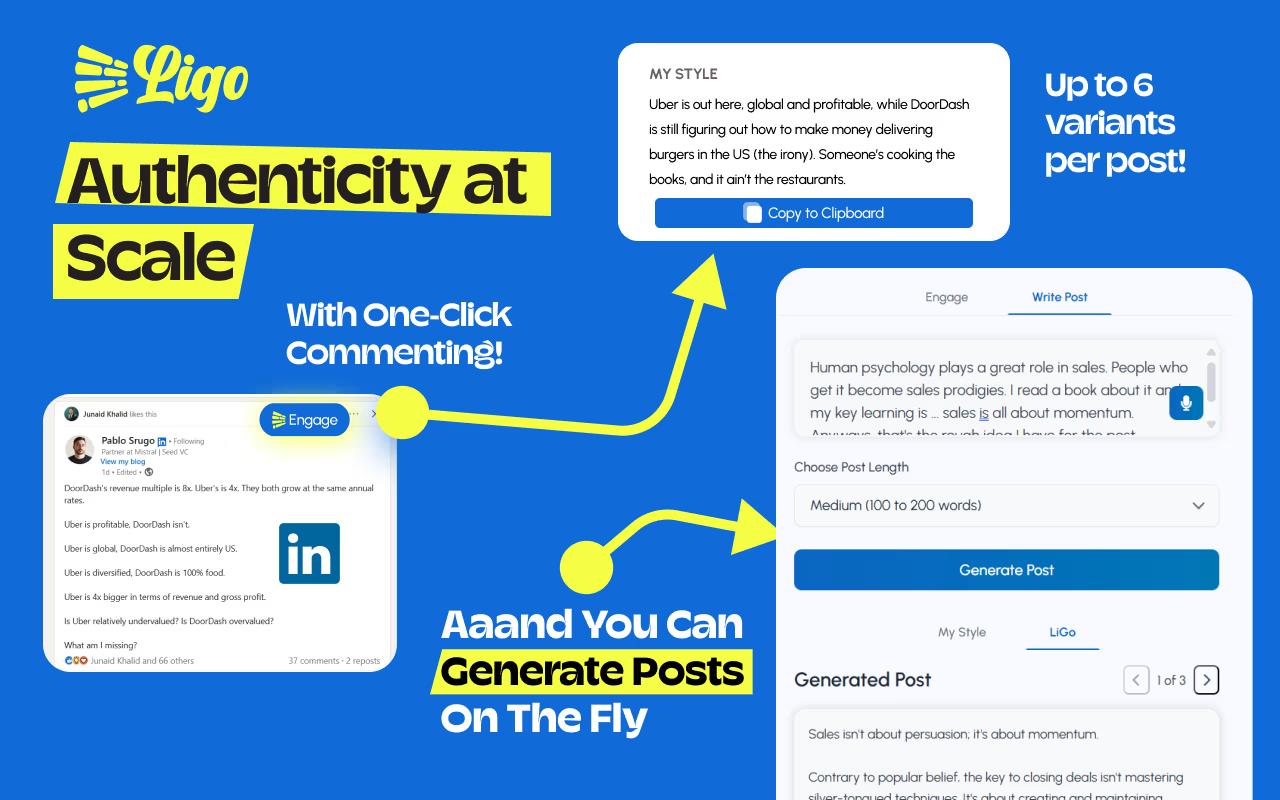
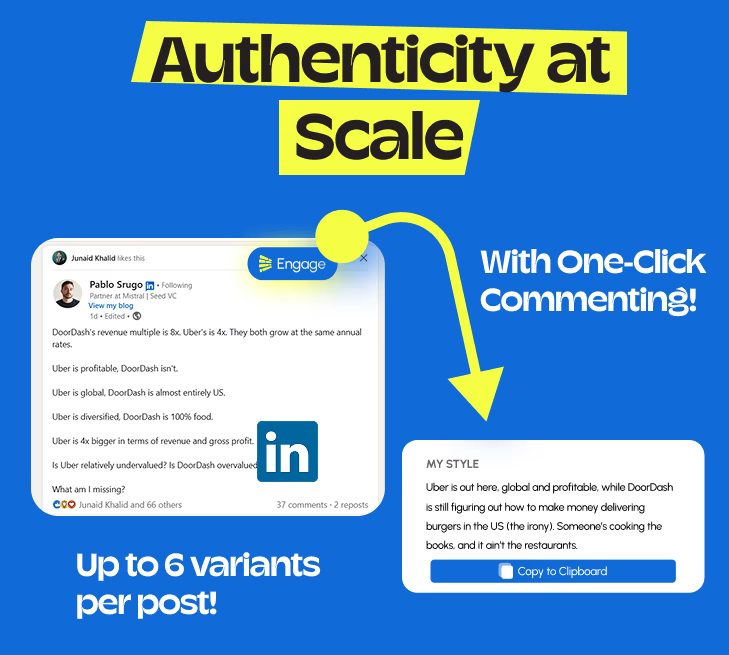
💡 Click "Generate Comments"
Get 6 personalized comment suggestions based on your expertise and content themes. Each suggestion is tailored to the specific post and maintains your professional voice.
Smart & contextual: LigoSocial analyzes the post content and your background to create relevant, valuable responses.
✍️ Choose, edit, and post manually
Select the suggestion you like best, edit it to match your exact voice, and post it yourself. LigoSocial never posts comments automatically - you maintain complete control.
Key Safety Feature: You always stay in control. LigoSocial suggests, you decide and post.
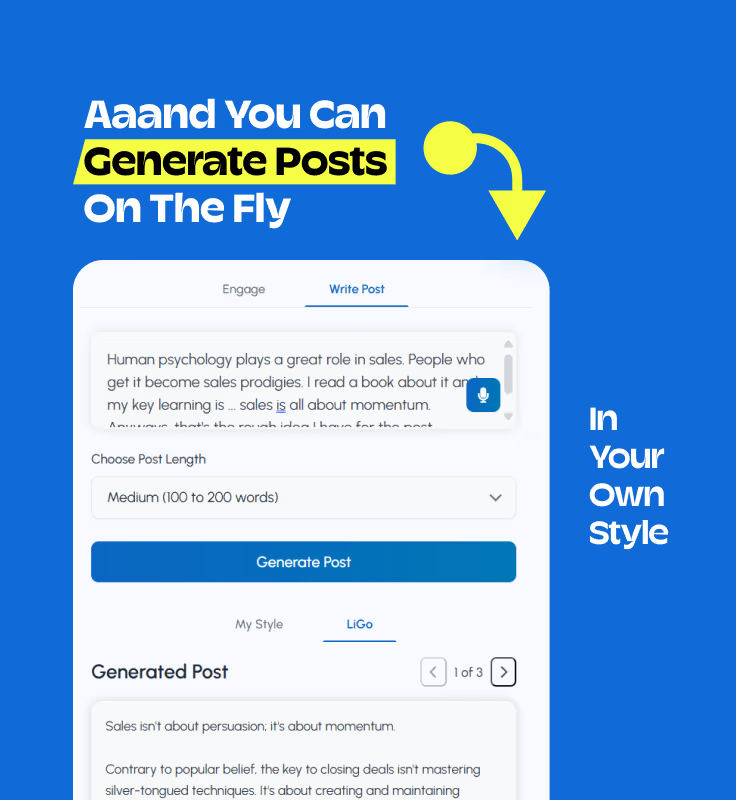
Why Agency Owners Choose LigoSocial Over Risky Automation
🛡️ LinkedIn Compliant
- No automated commenting
- Suggestions only, you control everything
- Based on your themes & expertise
⚡ 90% Time Savings
- Instant comment generation
- Multiple style options
- Context-aware suggestions
🎯 Agency-Focused
- Maintain professional voice
- Consistent with your brand
- Perfect for client management
Join 500+ Agency Owners Using LigoSocial Safely
Tahseen
Design Agency Founder
"Finally, a tool that doesn't put my LinkedIn account at risk. The suggestions are so natural, clients think I'm just incredibly fast at responding!"
Anna
B2B Marketing Agency
"Saved 8 hours per week on LinkedIn engagement. My account is safe and my comments are getting better responses than ever."
Somadina
Virtual Assistant
"Unlike automated tools, LigoSocial helps me maintain authentic relationships while managing multiple client accounts efficiently."