
Posts tagged: LinkedIn Tips
LinkedIn Content Ideas: A System to Never Run Out of Things to Post
Beat writer's block with saved content searches. Learn the two-list system to summon inspiration on demand and catch trending topics before everyone else.

How to Save LinkedIn Search Results (And Never Rebuild Filters Again)
Stop rebuilding LinkedIn searches every day. Learn how to save any LinkedIn search with LinkedIn Lists and access it with one click forever. Includes both Paste URL and Build URL methods.
How to Fix Your LinkedIn Feed (The Saved People Search Strategy)
Train LinkedIn's algorithm to show you the right people. Learn the saved People Search strategy to curate your feed, get noticed by target creators, and break into any niche systematically.
Why Most AI LinkedIn Tools Make You Sound Like Everyone Else (And How to Fix It)
Discover why most AI LinkedIn post generators produce generic content that damages your brand-and how voice-first AI tools like LigoSocial maintain authenticity while saving you hours weekly.
Best LinkedIn Headline Generators: Which Actually Gets You Hired?
Compare the best LinkedIn headline generators and AI LinkedIn headline tools in 2025. Learn which actually drive profile views, connection requests, and job opportunities-with examples and formulas.
AI LinkedIn Post Rewriter: Transform Your Content While Keeping Your Voice
Learn how to use AI LinkedIn post rewriters to repurpose content authentically. Transform newsletters, blogs, and old posts into fresh LinkedIn content while maintaining your unique voice.
Best LinkedIn Text Formatters: Free vs Paid Tools Compared
Discover the best LinkedIn text formatters and LinkedIn post formatters in 2025. Compare free vs paid tools and learn which formatting solution saves time while maintaining your authentic voice.
LiGo + Zapier: The Complete Guide (How I set up automations for LinkedIn and never looked back)
A plain-English guide to connect LigoSocial with Zapier to automate LinkedIn scheduling, repurposing, and team notifications — with testing, troubleshooting, and security best practices.
How I Turned My Google Calendar into a LinkedIn Content Machine (LiGo + Zapier)
Automate LinkedIn content straight from your calendar. Learn how Google Calendar, Zapier, and LigoSocial work together to turn meetings into ready-to-post drafts in minutes.
LinkedIn Posting Automation: 5 Zapier Zaps (Calendar, Reddit, ClickUp) That Do the Work for You
Run a practical time-audit of your LinkedIn workflow. See how LigoSocial + Zapier replaces manual steps, saves 150+ minutes per week, and fits cleanly into your daily routine.
LinkedIn, Reddit and Zapier: How I Turn the World’s Whiteboard Into Thought Leadership with LiGo
Turn Reddit signals into LinkedIn thought leadership. Learn the LigoSocial + Zapier workflow that monitors subreddits, drafts posts automatically, and keeps attribution airtight.
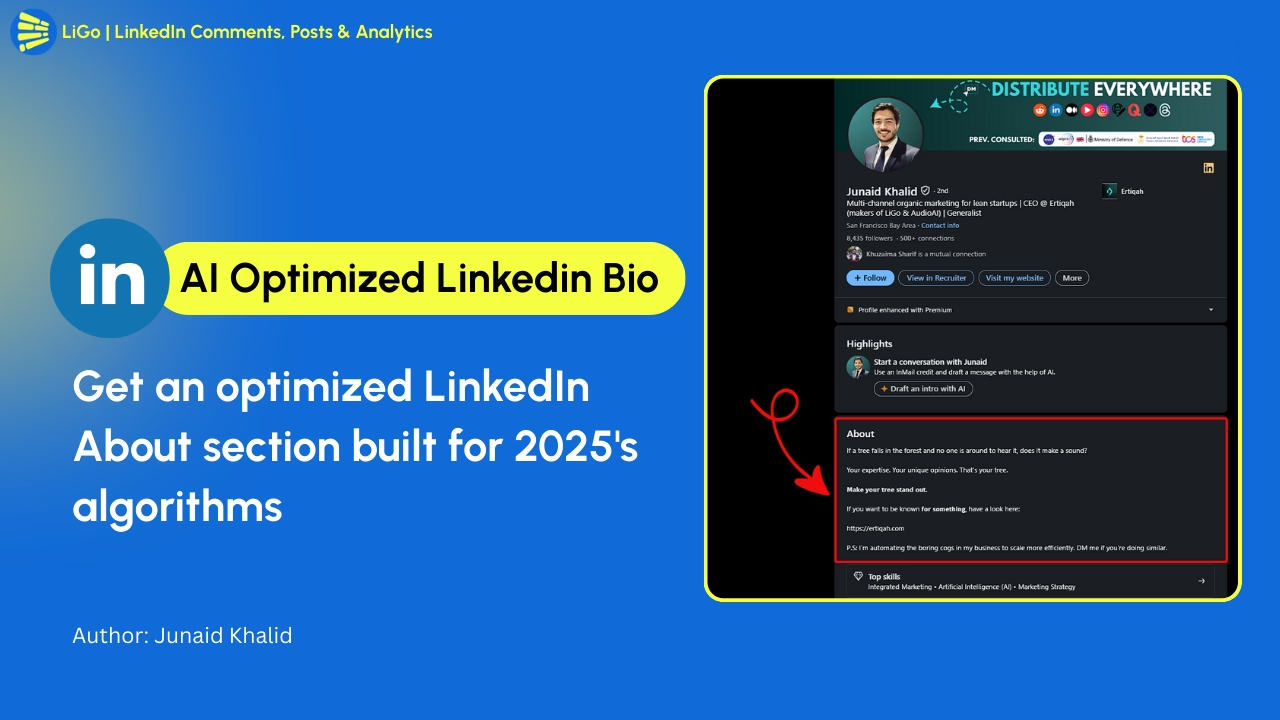
Your LinkedIn About Section Is Costing You Jobs (and the Fix)
87% of recruiters use LinkedIn to vet candidates, but most profiles fail basic tests. Here's how to fix yours before your next opportunity disappears.
LinkedIn Summary Generator: Why 95% of Summaries Fail
95% of LinkedIn summaries sound identical. While everyone copies the same templates, smart professionals use AI to stand out and get noticed by recruiters.
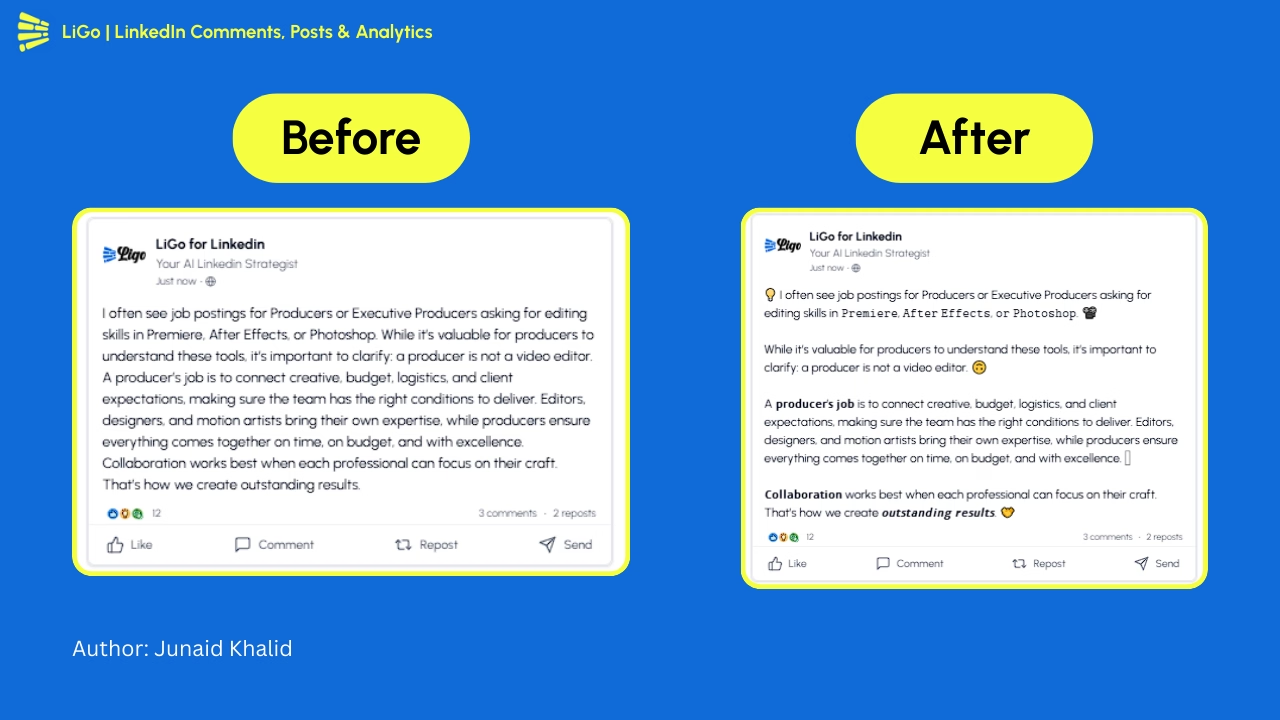
LinkedIn Text Formatter: Why Your Posts Are Invisible
Most LinkedIn posts get zero engagement because they look terrible. Learn why formatting beats great content and how to fix yours in seconds.
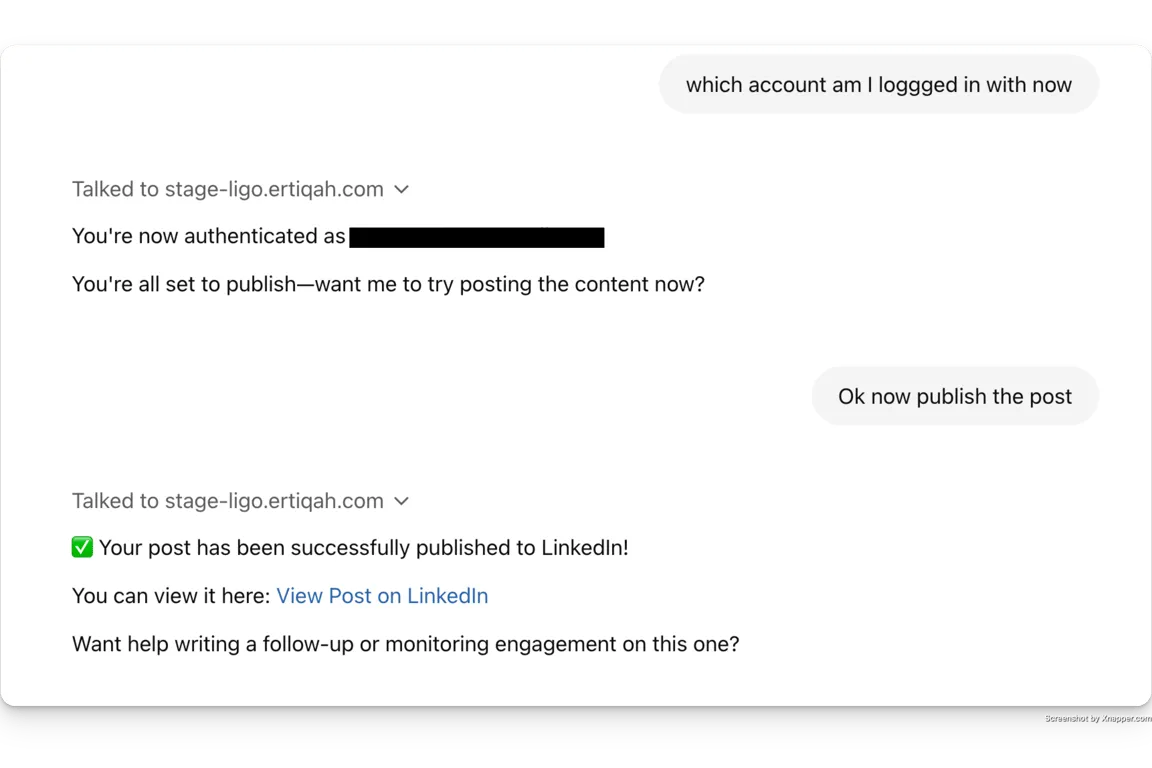
Stop Doomscrolling LinkedIn: Create Killer Content in Minutes Using These 4 LiGo Workflows
Read more about this topic.
How I Built LiGo’s LinkedIn Post Generator Around the Psychology of Engagement
Create engaging LinkedIn posts that drive real results. Learn proven strategies to boost visibility, increase engagement, and convert connections into clients.
LinkedIn Headline Examples That Win Customers, Not Just Recruiters
Copy-paste LinkedIn headline examples and formulas by role, plus a free headline generator. Write a headline that says what you do and for whom.
The Psychology of Formatting: Why Styled LinkedIn Posts Get More Attention
Read more about this topic.
How to Increase Engagement on LinkedIn with Well-Formatted Posts
Read more about this topic.
LinkedIn Formatting: Bold, Italics and What They Cost
LinkedIn has no native bold or italic. Every styled post is Unicode character substitution. Here is what each formatting technique does, when it helps, and the accessibility cost most guides skip.
LinkedIn About Section Examples and Template: 5 Copy-Ready Summaries That Convert
Read more about this topic.
LinkedIn Banner Size Guide: Dimensions, Templates, and the New Slideshow Feature
Read more about this topic.

LinkedIn Experience Section: Templates and Examples to Showcase Your Value
Write a LinkedIn experience section that reads as proof, not a resume. Copyable templates by role, before-and-after examples, and the 2026 limits.
LinkedIn Featured Section Guide: How to Showcase Your Best Work
The LinkedIn Featured section is your profile's proof layer. What to pin by goal, real examples for founders, freelancers, consultants and job-seekers, and how to add and reorder it in 2026.
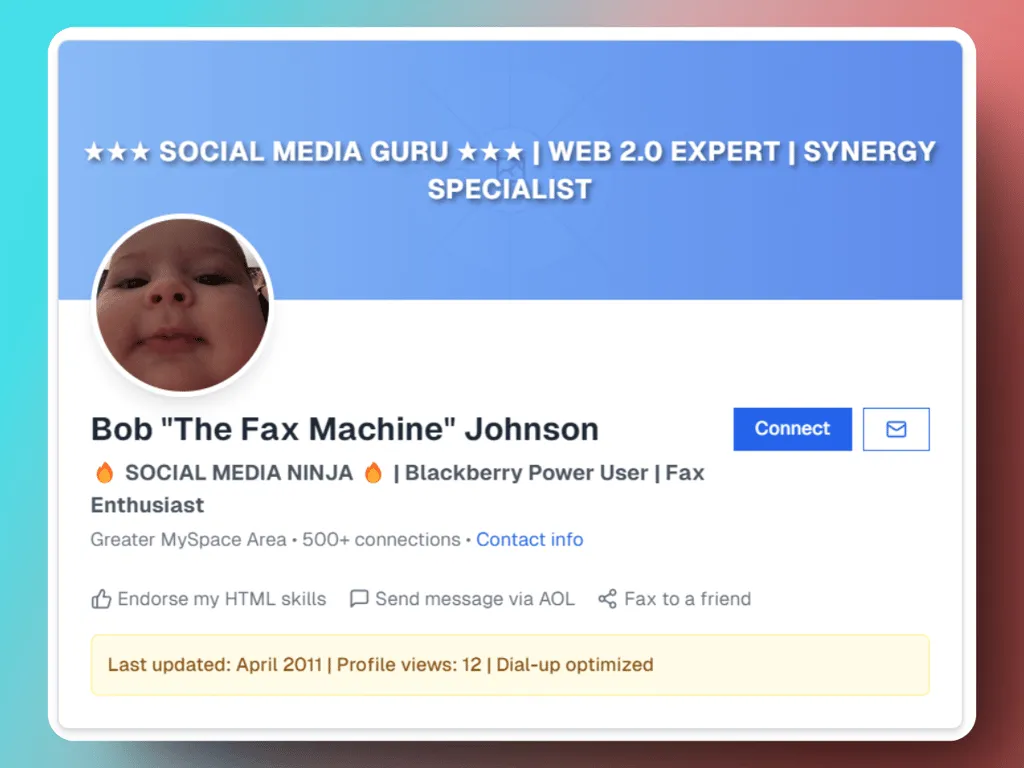
What is 'Lin Ke Din'? Your Complete Guide to LinkedIn Success
Read more about this topic.
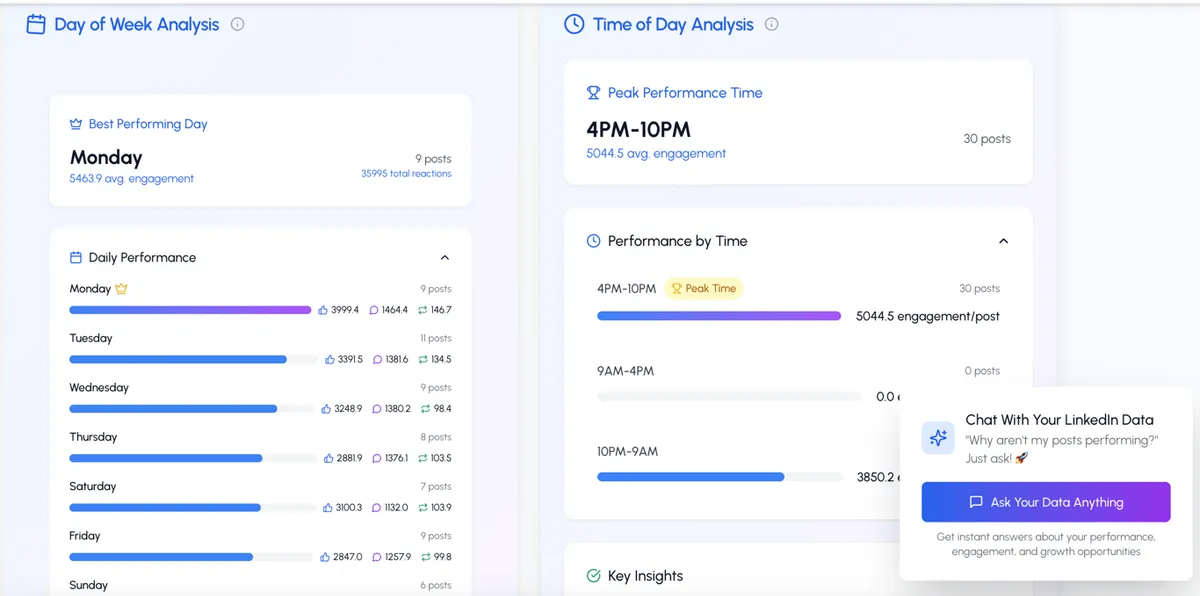
Best Days and Times to Post on LinkedIn for Maximum Engagement (By Industry)
Read more about this topic.
How to Use AI to Create the Perfect LinkedIn Post (Without Sounding Like AI)
Read more about this topic.
The Best Time to Post on LinkedIn: A Data-Driven Guide (That Actually Works)
Read more about this topic.
LinkedIn Analytics: What Actually Drives Results (With Examples)
Read more about this topic.
Why Scheduling LinkedIn Posts is No Longer Optional (A Data-Driven Perspective)
Read more about this topic.
Top 10 LinkedIn Post Ideas That Actually Drive Engagement (Not Just Likes)
Read more about this topic.
How to Use an AI LinkedIn Post Generator to Boost Engagement (Without Sounding Like a Robot)
Read more about this topic.
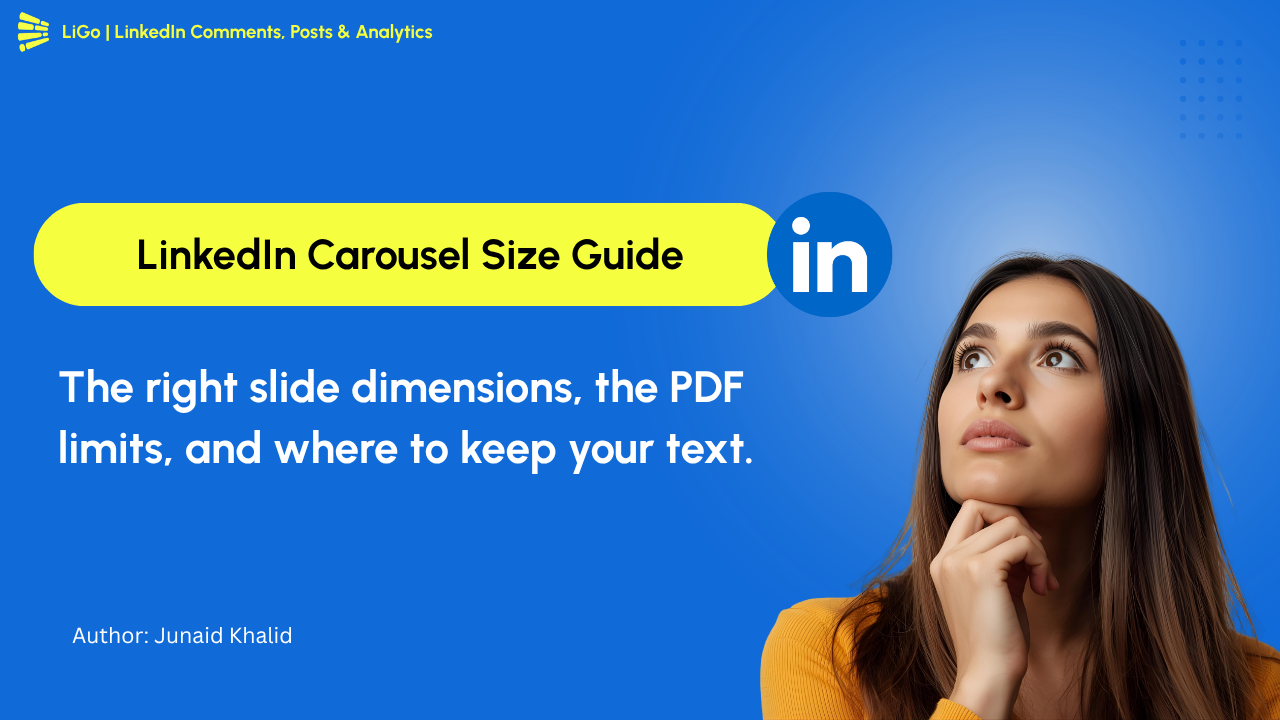
LinkedIn Carousel Size: The Right Dimensions (and Safe Zones)
The best LinkedIn carousel size is 1080 x 1350 px (4:5 portrait) or 1080 x 1080 px (square), exported as a PDF. Here is the full spec, safe zones, and a free tool.

LinkedIn Comment Examples: Professional Responses for Every Situation
Copy 24 LinkedIn comment examples by situation, from congratulations to respectful disagreement, plus the three-part anatomy of a comment that gets you noticed.
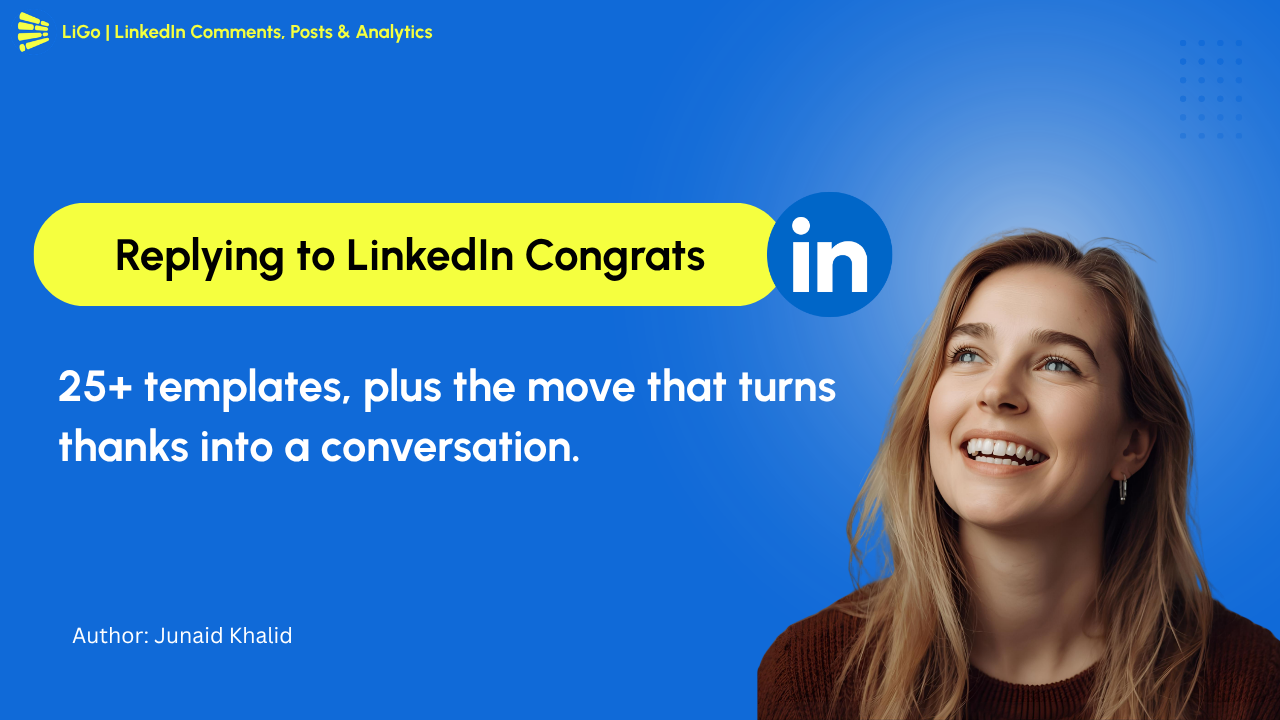
How to Reply to Congratulations on LinkedIn: 25+ Professional Templates
Reply to congratulations on LinkedIn the right way: 25+ professional templates for a new job, promotion, work anniversary or award, plus the one move that turns thanks into a real conversation.

How to Write a LinkedIn Launch Post: Templates, Examples, and Best Practices
A LinkedIn launch post works best as a two-week sequence, not one announcement. Get 5 copy-paste templates and the exact 6-post launch sequence founders use to convert.
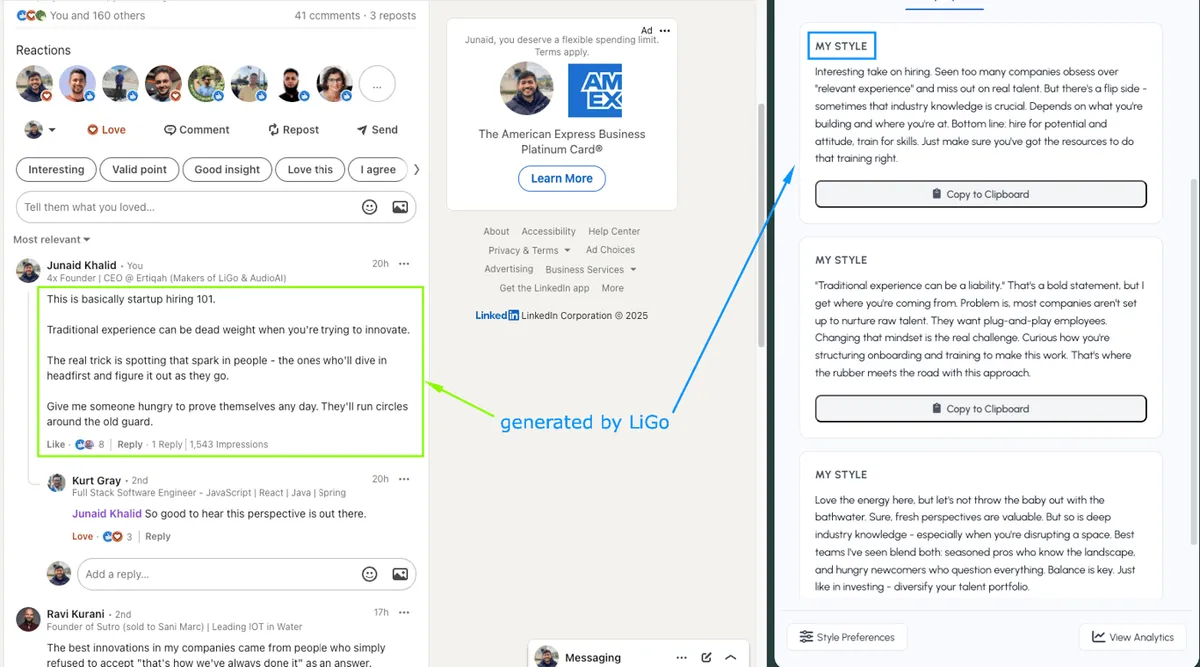
5 Ways Agencies Can Use LinkedIn Comment Impressions to Grow Multiple Client Accounts (Guide)
Read more about this topic.
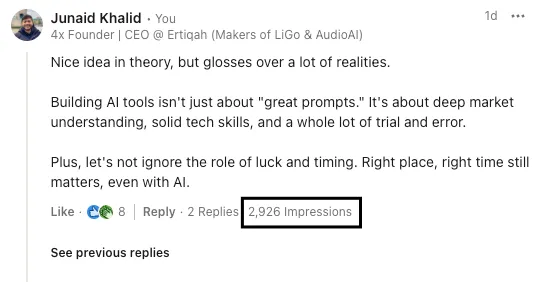
LinkedIn Comment Impressions: Complete Guide for Agency Owners, Founders & Consultants
Read more about this topic.
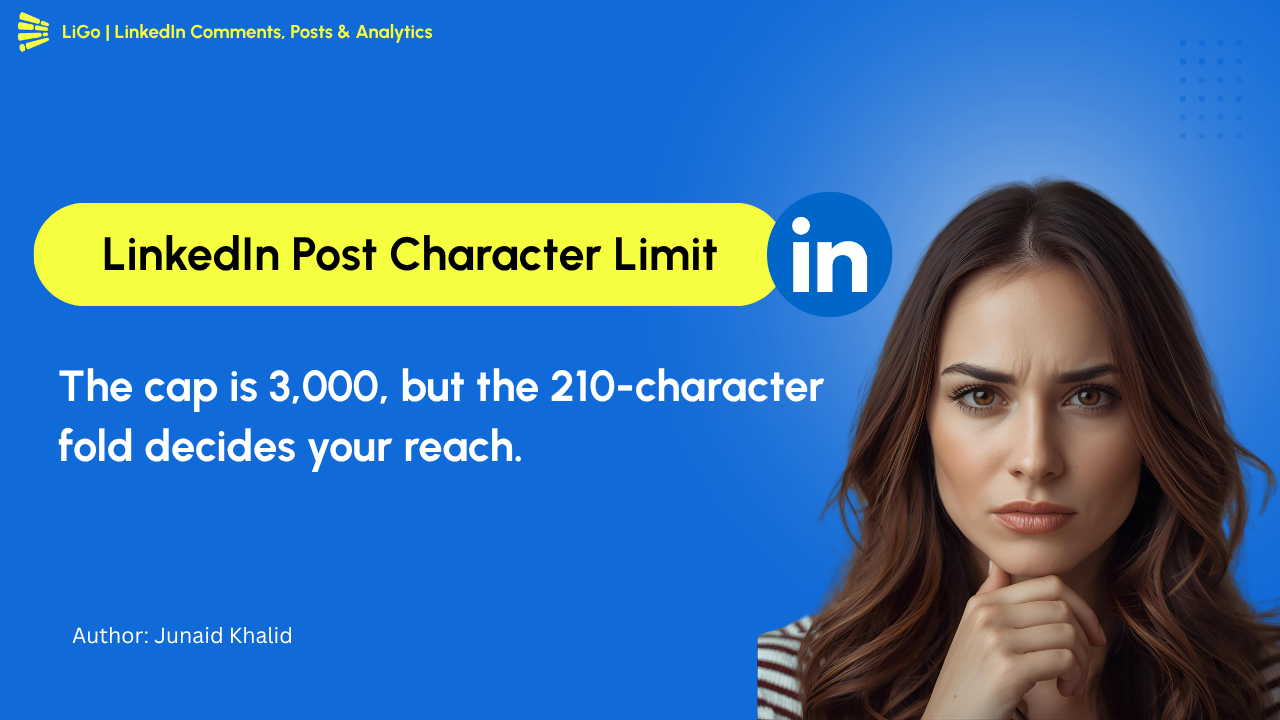
LinkedIn Post Character Limit: The Number, and the One That Actually Matters
The LinkedIn post character limit is 3,000 characters. The number that actually decides your reach is the ~210-character see more fold. Here is how to use both.
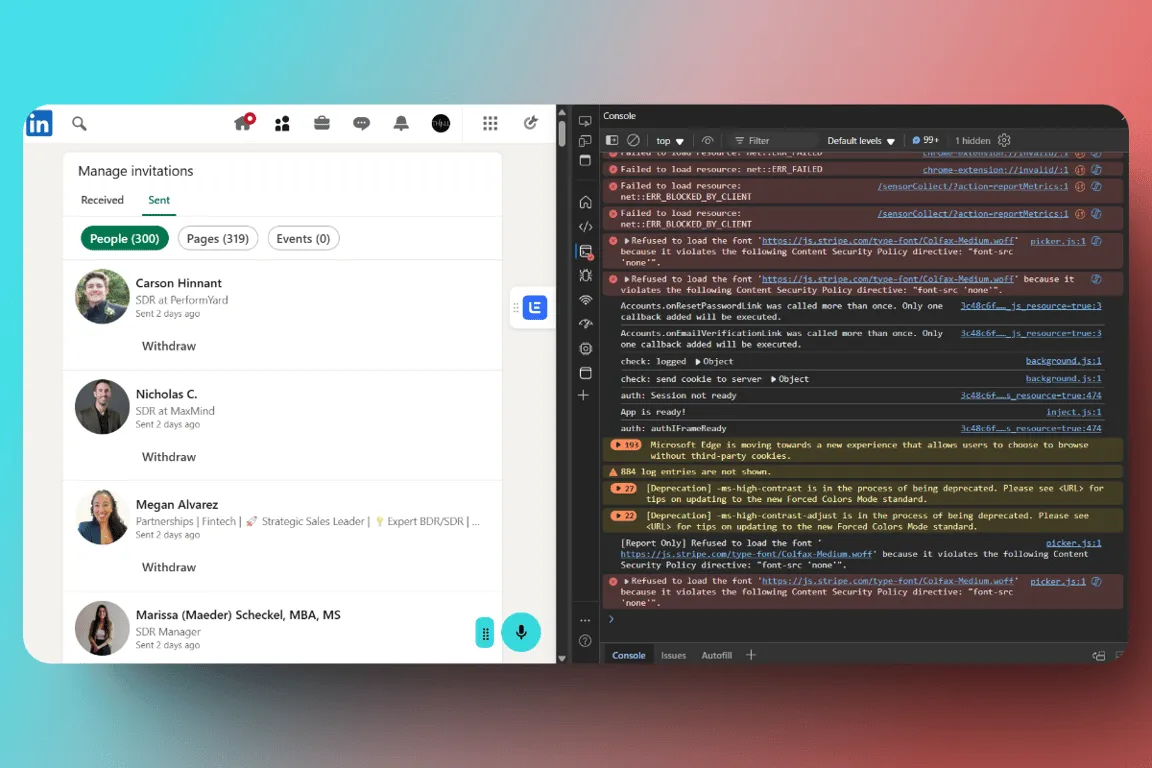
How to Mass Withdraw LinkedIn Connection Requests (Oldest First)
Read more about this topic.
Can You Resend a LinkedIn Invitation After Withdrawing It? (Complete Guide)
Read more about this topic.
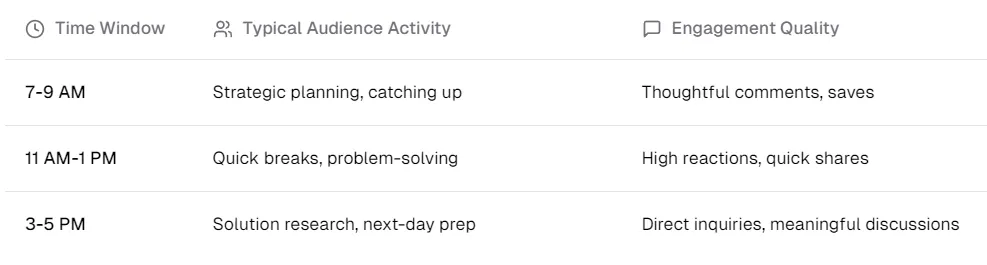
Best Time to Post on LinkedIn for Each Industry: Data-Backed Analysis
Read more about this topic.
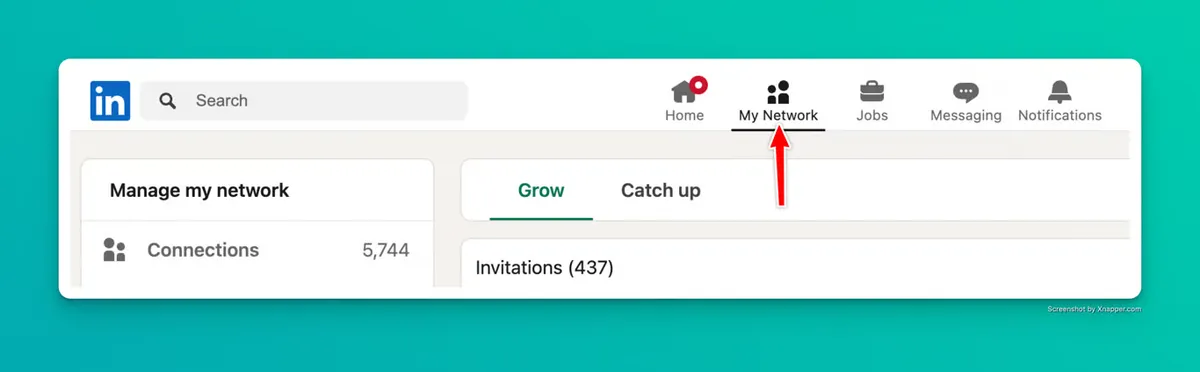
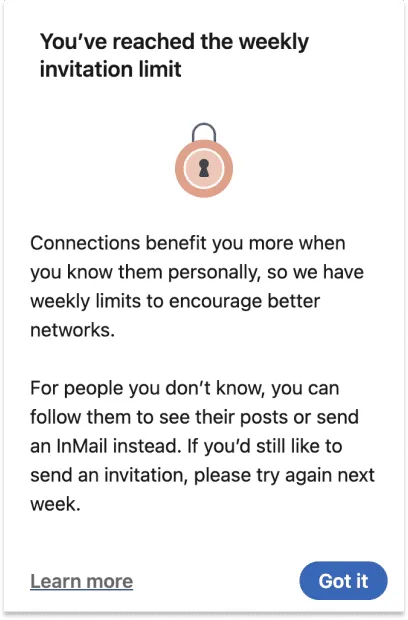
How to See Your Sent LinkedIn Invitations (Sent Connection Requests)
Read more about this topic.