
Adding Your Own Content Ideas
LigoSocial generates ideas from your content themes, but often you already know what you want to post about. You can add your own ideas, by typing or speaking, and turn them into posts in your voice. This guide shows every way to do it and how to write ideas that produce good posts.
Quick add from the Post Ideas page
The fastest way to save an idea is the quick-add bar at the top of the Post Ideas page.
- Open the page: click Create Post > From my idea bank, or in the Classic layout WRITE > Post Ideas, or go to https://app.ligosocial.com/content-ideas.
- Type your idea in the Quick add bar and press Enter (or click the arrow).
- For a longer idea, click the expand icon to get a bigger box, then click Add Idea (or press Cmd + Enter).
- To speak instead, click the microphone in the bar, talk, then click Stop. Your words are transcribed into the bar so you can check them before adding.
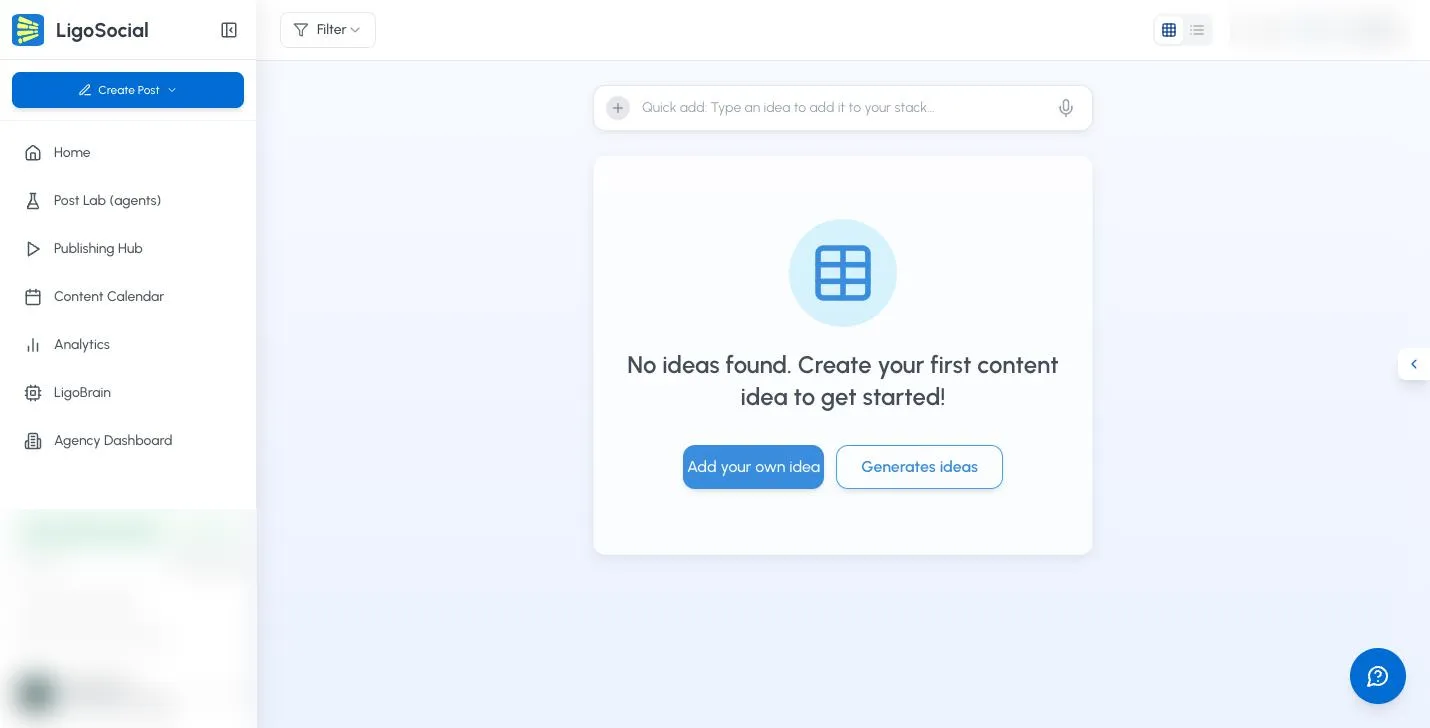
Quick add saves the idea straight away, without asking for a theme. To choose a theme for an idea, use the Add Your Own Idea dialog below.
Use the Add Your Own Idea dialog
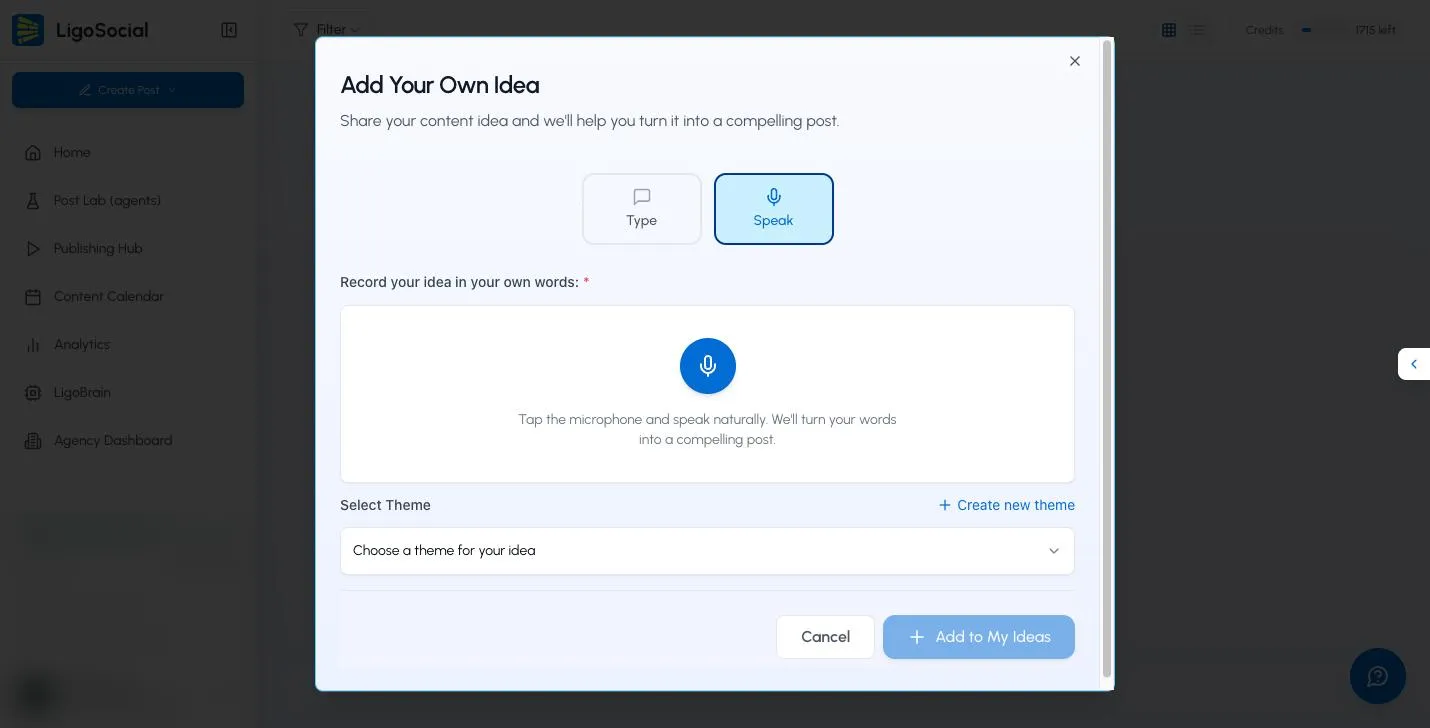
The dialog lets you choose a theme and gives you more room. Open it in any of these ways:
- Click Create Post in the sidebar, then Share a thought.
- In the Publishing Hub, click Speak Your Idea in the Create New Posts panel.
- On an empty Post Ideas page, click Add your own idea.
Then:
-
Choose Type or Speak at the top.
-
Type: write your idea in the box. Be as specific as you can.

-
Speak: tap the microphone, talk naturally, then click Stop Recording. Your recording is turned into text.
-
-
Under Select Theme, choose the theme this idea belongs to, or None. If you need a new theme, click Create new theme.
-
Click Add to My Ideas.
Your idea now appears on the Post Ideas page. Click Generate on it to write the post. See Reviewing and selecting content ideas.
Why the theme matters
The theme gives LigoSocial context about your audience, expertise and writing style. Picking the right one keeps each post consistent with that part of your content. For example, if you have one theme for technical tutorials and another for leadership advice, choose the one that fits the idea. Learn more in the Content theme strategy guide.
Turn existing content into posts
If your idea is a newsletter, blog post, meeting notes, podcast or video transcript, use Repurpose Content instead. It is built for longer source material.
- Click Create Post > Repurpose content, or in the Classic layout WRITE > Repurpose Content, or go to https://app.ligosocial.com/rewrite-post.
- Pick a source under Popular Sources or More Options, paste your content (at least 50 characters), and click Generate Posts.
- Add Voice Input lets you record yourself live or upload an audio file.
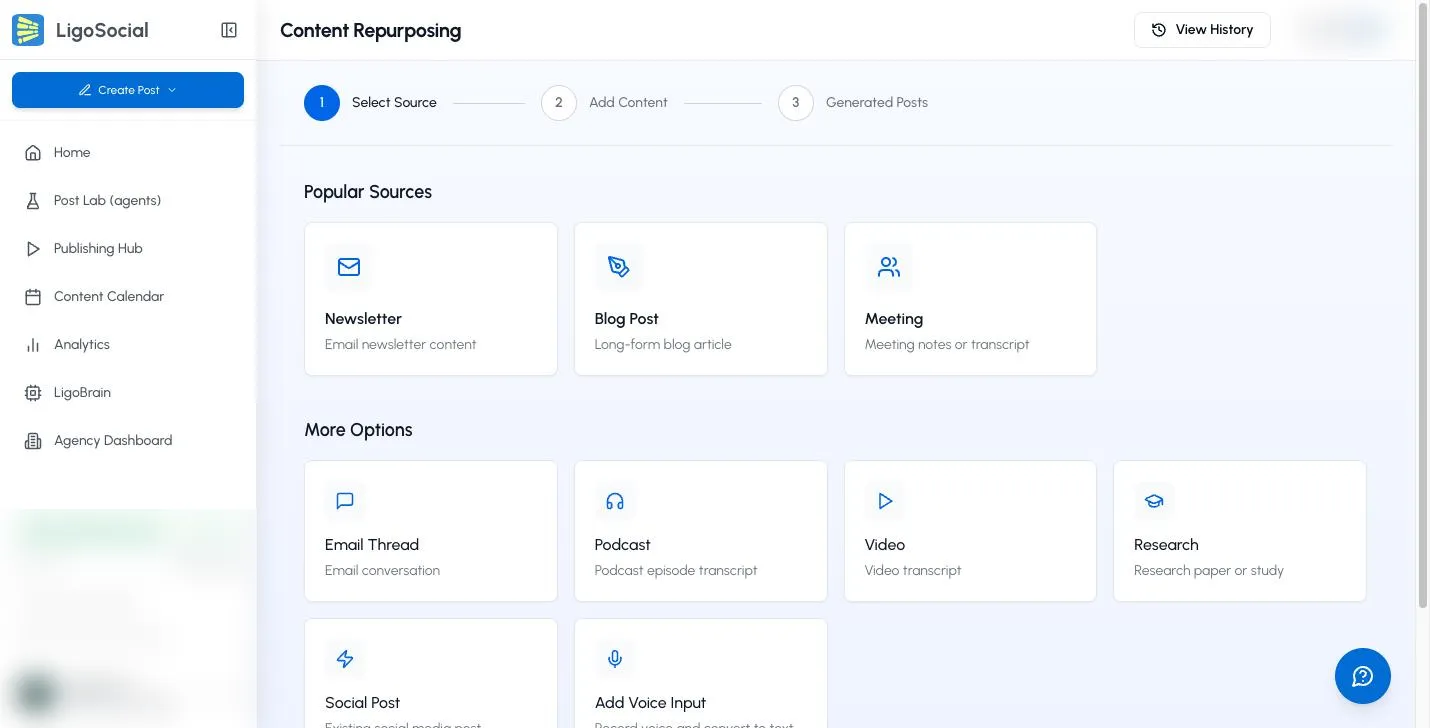
The full walkthrough is in How to repurpose content.
How to write an idea that produces a good post
The idea text shapes the post, so a little detail goes a long way.
For a general idea
- Start with the main point in one sentence.
- List 3 to 5 points you want covered.
- Say the format you want: a story, a list, a how-to.
- Say who the post is for.
5 ways AI is changing freelance writing. Focus on the positives: research help, editing, idea generation, consistent output and time management. For freelance writers who worry AI will replace them. List format.
For more control
- Outline the structure you want.
- Add the real examples, numbers and results to include.
- Say the tone: professional, conversational, provocative.
- Add your personal context.
How I rebuilt our agency's client onboarding after losing a big client over mismatched expectations. Cover the old process, what went wrong, the 3 changes we made (expectations document, kickoff call template, 2-week check-in) and the result (no churn since). Honest tone, show what we got wrong.
Other techniques
- Think out loud: use Speak and talk through a topic for a minute or two without worrying about structure. LigoSocial turns it into a structured post, and your natural voice tends to come through.
- Blend sources: paste short snippets from notes, old posts or articles together, with a line on how they connect.
- Bring your own template: paste a post skeleton with placeholders and note what should go in each one.
Common questions
Can I add an idea without a theme?
Yes. Quick add does not ask for a theme, and in the dialog you can choose None. Posts usually fit your voice and audience better when the idea has a theme, so pick one when you can.
How detailed should my idea be?
It depends on how much control you want. A short idea leaves LigoSocial more room to be creative. A detailed outline gives you a post closer to what you have in mind.
Does speaking my idea change the result?
No. Spoken ideas are turned into text and treated the same as typed ones. Read the transcription before you add it, in case a word was misheard.
Is there a length limit?
For ideas, keep it to the key points you want in the post. For long source material, use Repurpose Content, which accepts up to 10,000 characters.
Related articles
Was this page helpful?